CreateDesign visual content
Digital signage software
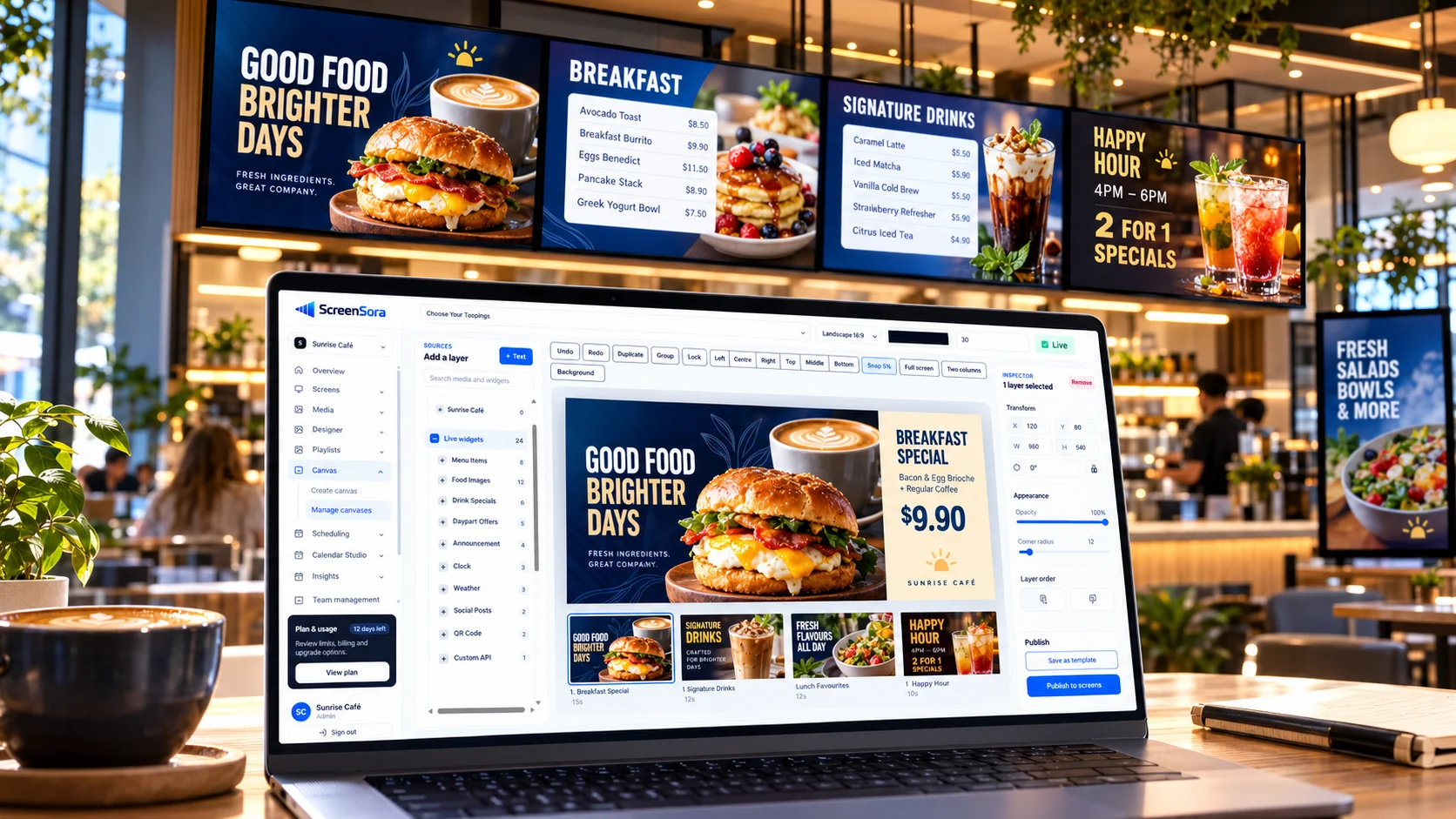
Every screen,
in sync.
Create, schedule and manage digital signage across your screens and locations — all from one connected platform.
- Quick to set upPair compatible players
- Built for scaleFrom one screen to many locations
- Securely managedRole-aware cloud workflows
SchedulePlan repeat playback
PublishUpdate screens remotely
MonitorReview device health
MeasureInspect proof of play
CollaborateManage team access
WorkspaceEverything in one clear view
Reception displays Online
Menu boards Online
Meeting rooms Review
Plan · schedule · publish · monitor
The platform
One platform to manage every screen.
Centralise content, scheduling, publishing and monitoring across your locations with ScreenSora.
- Manage screens and screen groups
- Create and schedule dynamic playlists
- Publish approved updates remotely
- Review device status and playback activity
Editing Studio
Design every screen your way.
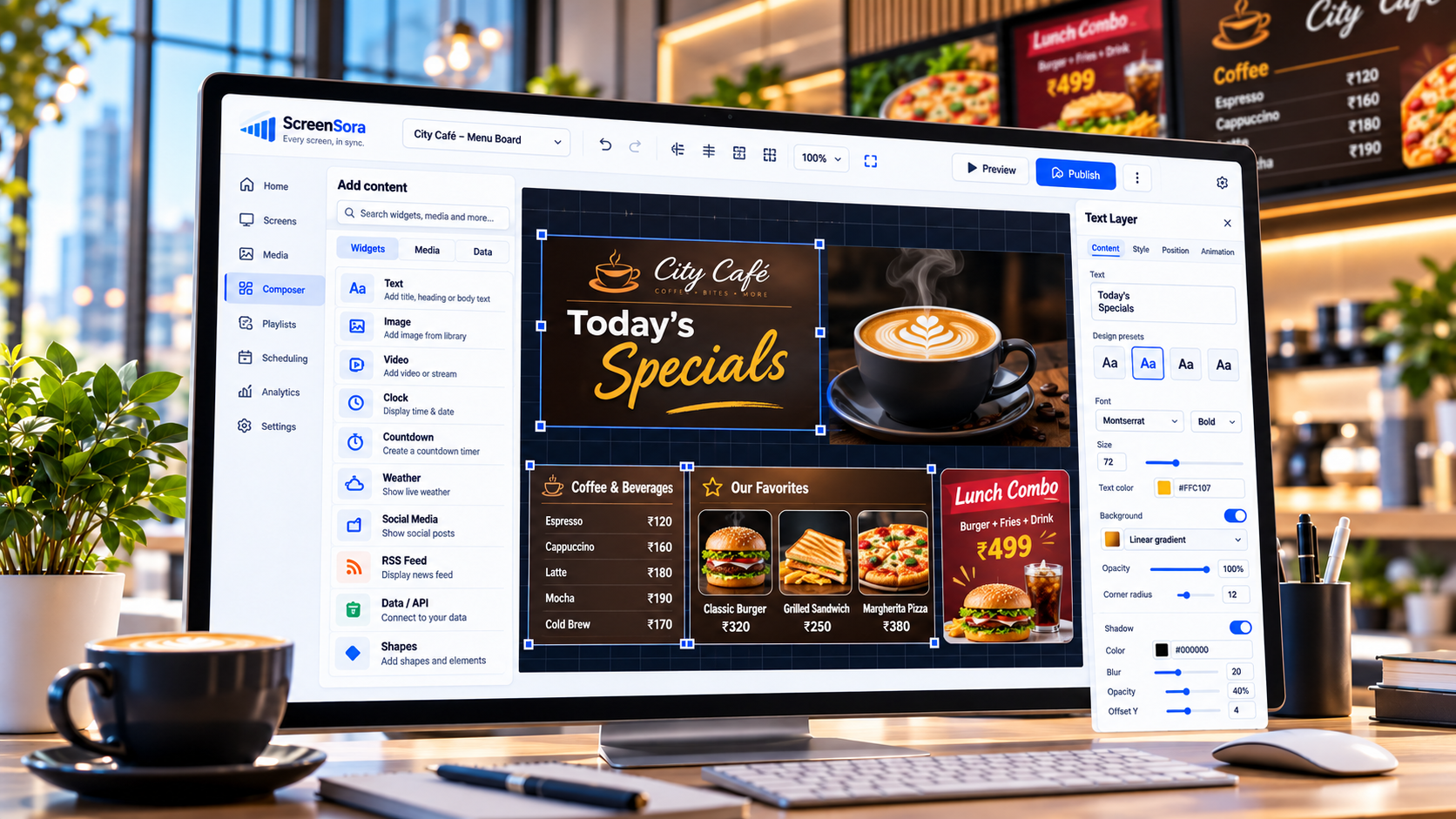
Create multi-zone digital signage layouts, arrange media and configured live widgets, and prepare the composition for publishing.
- Drag, resize, group and align layers
- Combine images, video, text and widgets
- Work across flexible display layouts
- Preview the composition before publishing
- Layouts & zones
- Dynamic widgets
- Media & layers
- Alignment tools
Illustrative example based on the ScreenSora content-design workflow. Interface details are representative.
One connected workflow
Create, publish and understand what is playing.
Three focused workspaces take content from first composition to scheduled playback and operational review.Create content
Turn media into screen-ready stories.
Bring supported media into the Editing Studio, compose flexible layouts, add configured widgets and organise finished work into reusable playlists.
- Media library and playlists
- Editing Studio layers and zones
- Configured live widgets
Schedule & publish
Plan once. Keep every location current.
Assign playlists to screen groups, plan date and recurring playback, then publish approved updates remotely.
- Calendar-based scheduling
- Screen groups and assignments
- Remote publishing
Schedule workspaceWeekly content plan
Ready to publishMenu boardsReceptionWindow displays
Monitor & measure
Stay close to every screen after publish.
Review device status, request screenshots and inspect proof-of-play activity and available insights from one workspace.
- Heartbeat and device status
- Requested screen captures
- Proof of play and reporting
Device statusPlayers connectedPublishingContent syncedCapturesAvailable on request
Playback evidence
Playlist update publishedPublishing status
Screen capture availableRequested preview
Playback activity recordedProof-of-play record
Industry solutions
Digital signage for every business.
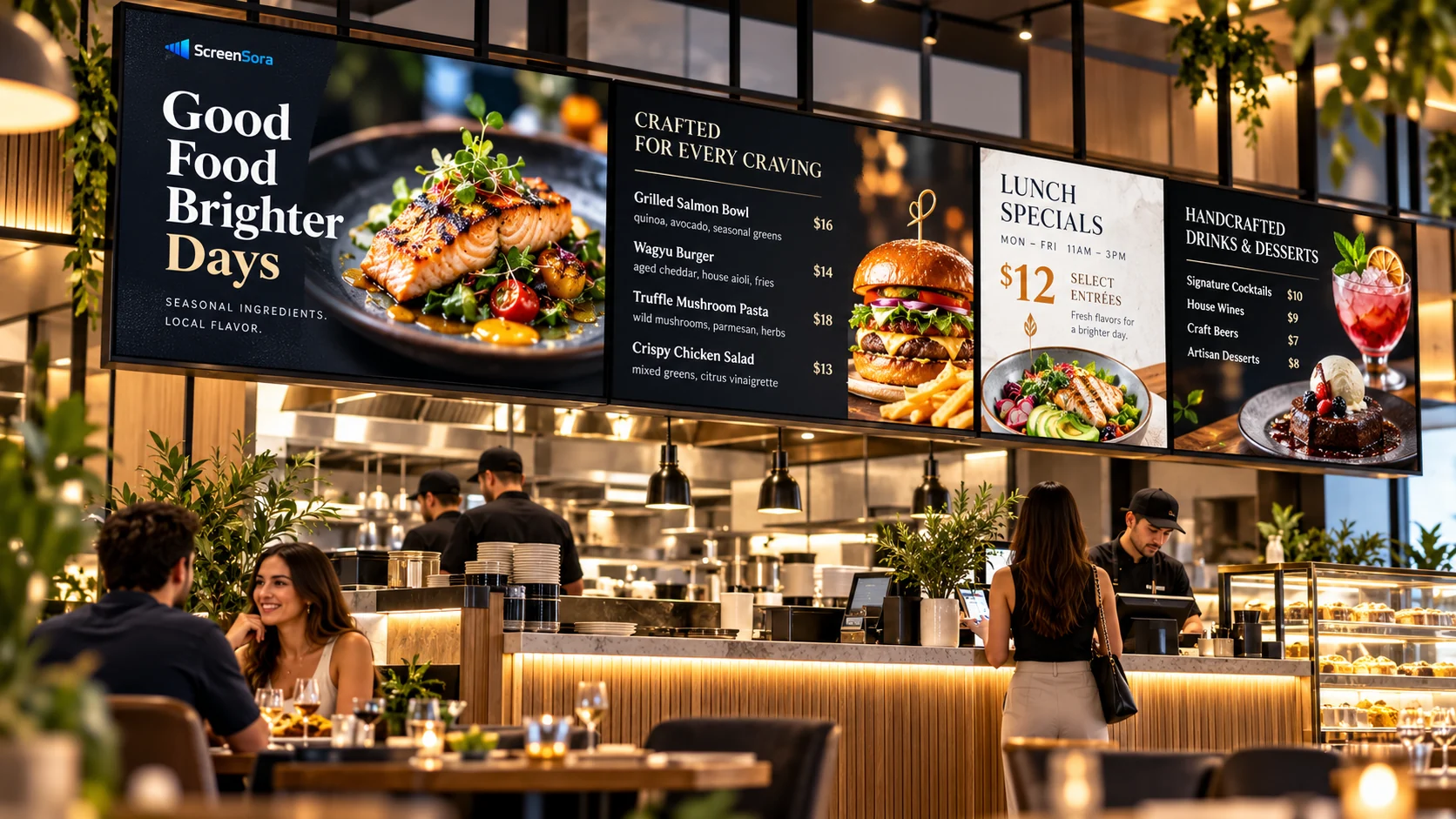
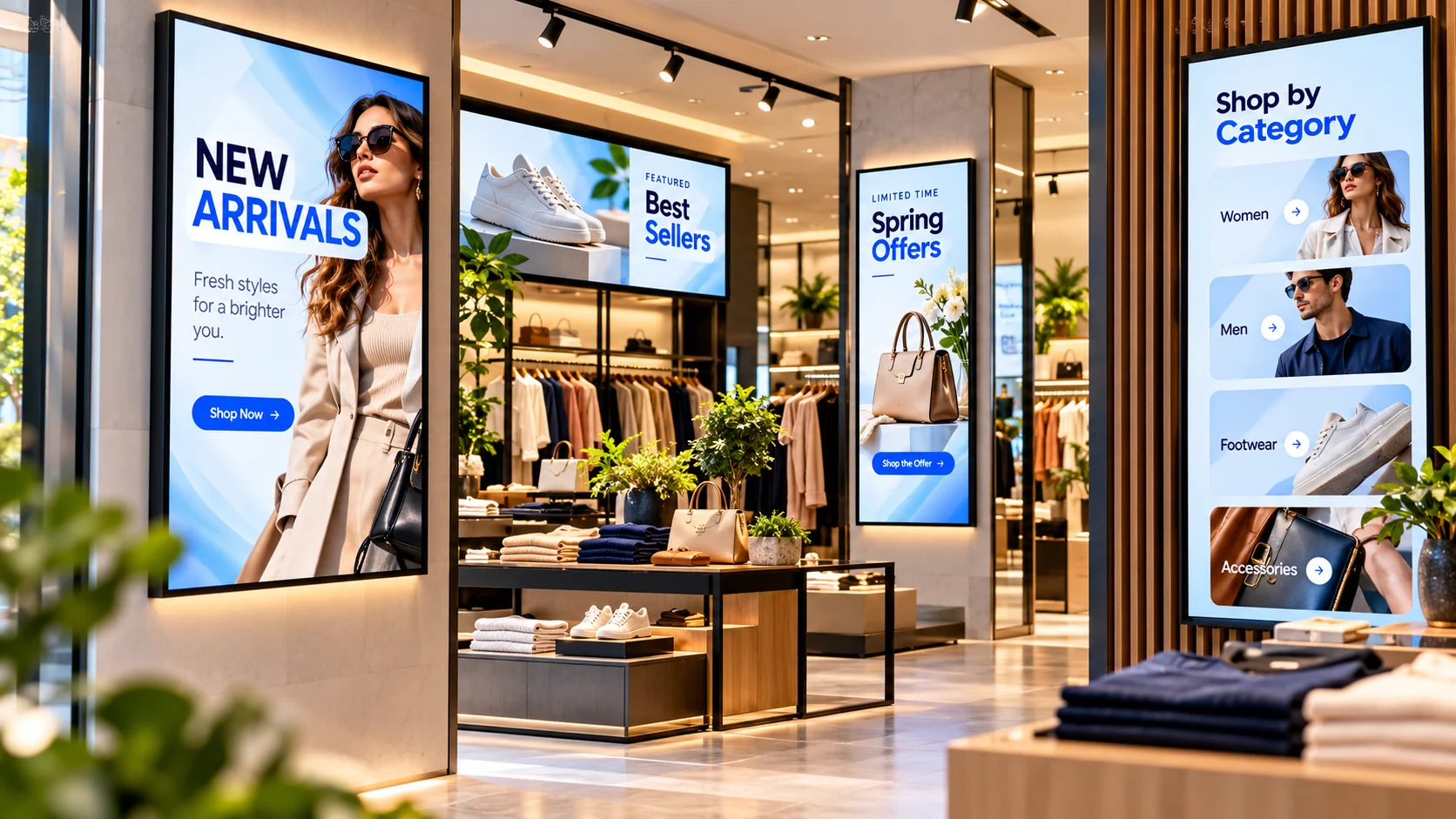
Show the content each environment needs—from menus and campaigns to guidance, guest information and operational updates.
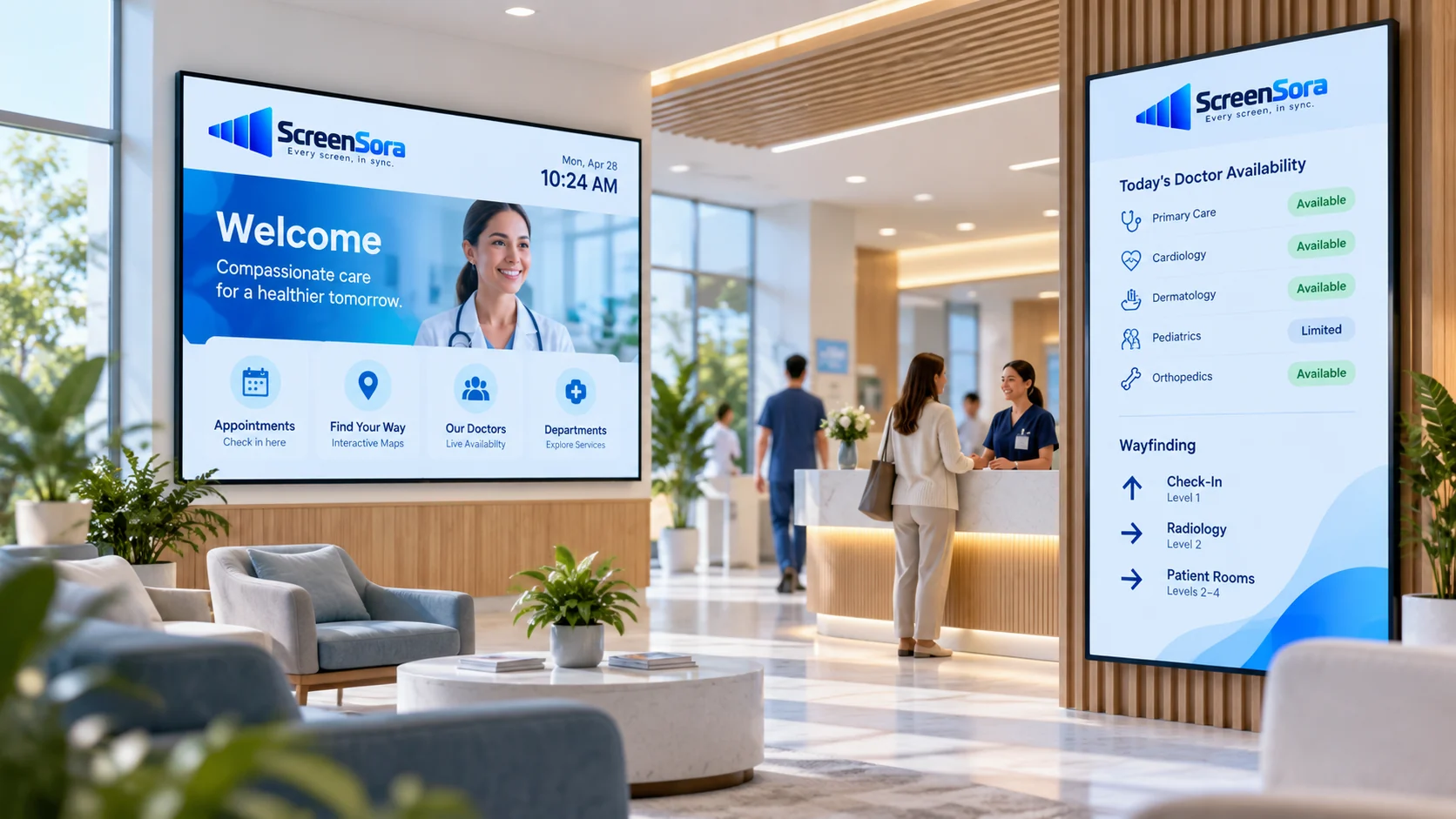
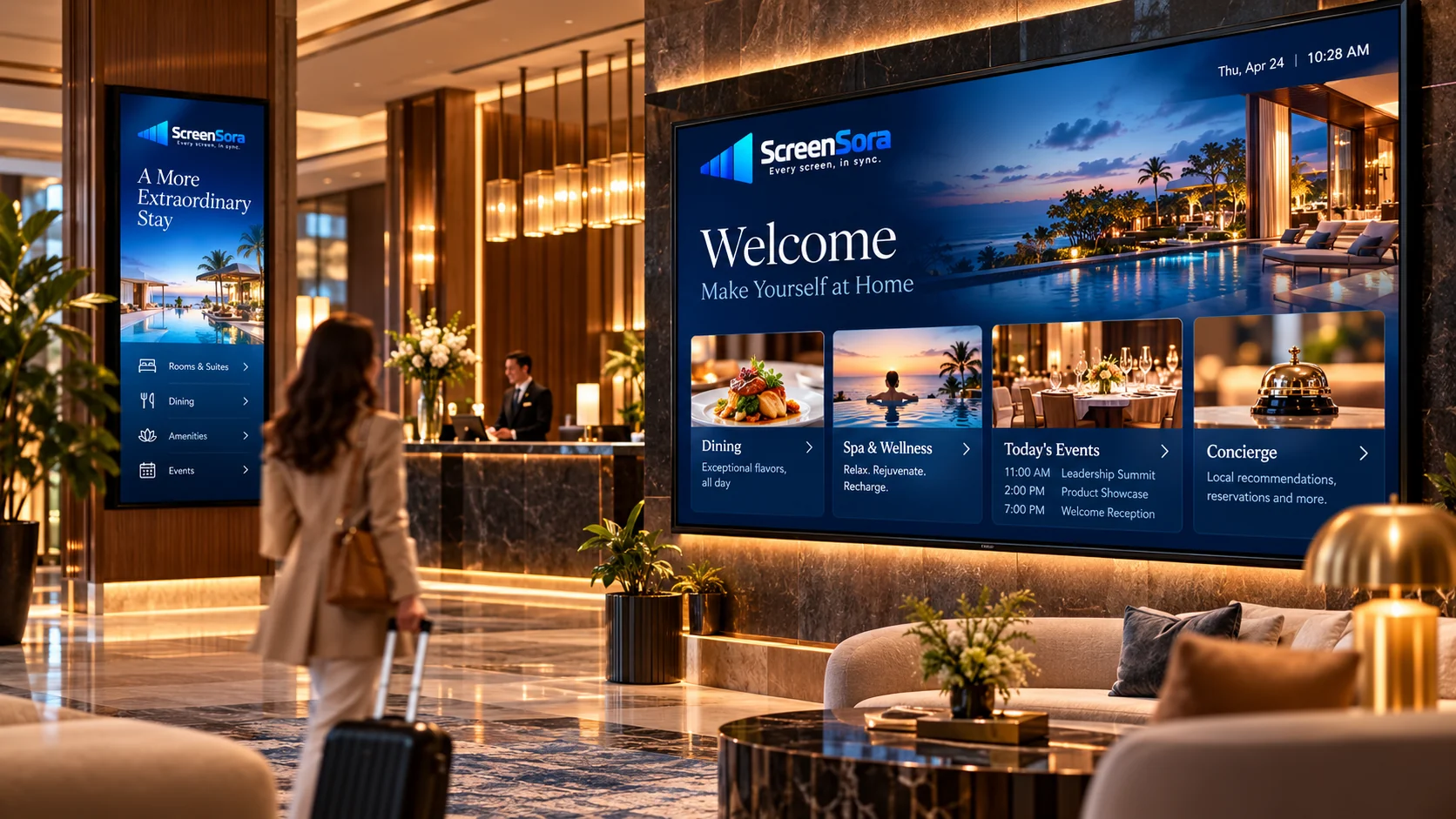
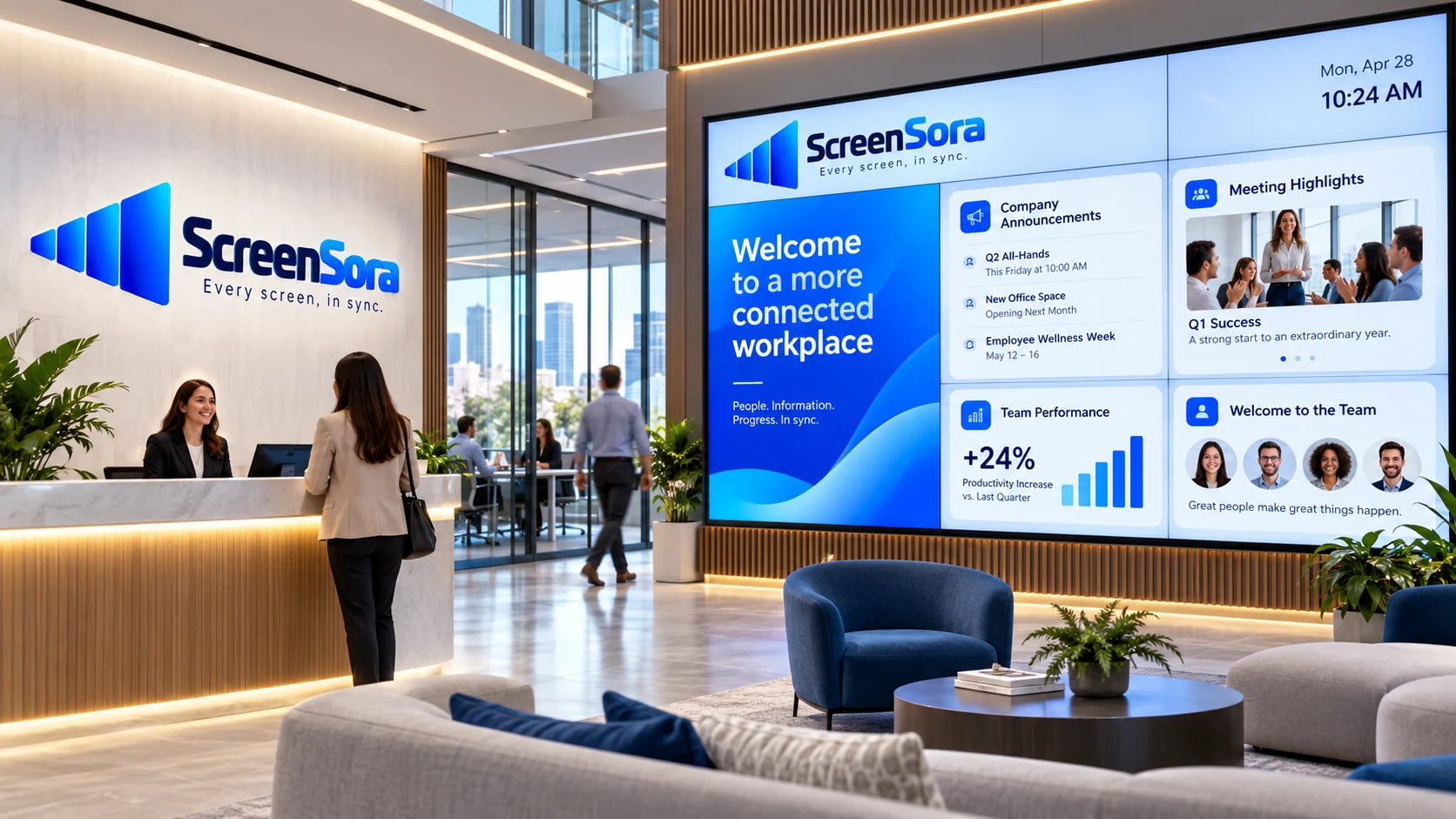

Industry scenes are illustrative. Screen content is representative and does not show customer data or operational results.
Connected content
Bring your content from anywhere.
Use supported uploads and configured data sources to create useful signage, then send it through one managed publishing flow.
Google and Microsoft connections depend on supported account configuration and enabled integrations.
Images & videoCampaign and menu media
PDF contentApproved documents
Web contentSupported web sources
Live widgetsConfigured data views
Google Workspace*Enabled connections
Microsoft 365*Enabled connections
Content in
 Organise · schedule · publish
How it works
From content to every screen in minutes.
Connect
Pair and organise your screens
Create
Upload media or design content
Organise
Build playlists for your screens
Schedule
Set timing and recurring playback
Publish
Send approved content remotely
Monitor
Review status and proof of play
- Windows
- Android
- Fire TV
- Raspberry Pi
- Samsung Tizen
- LG webOS
- ChromeOS
Plans for every stage
Choose a path that fits.
Commercial terms and current inclusions are confirmed before purchase.
Explore the workflow
A ScreenSora-branded starting point with starter functionality.
- Core media and playlists
- Basic scheduling
- Starter Editing Studio access
Operate professional signage
For teams coordinating content, schedules and screen operations.
- Advanced scheduling
- Remote publishing and monitoring
- Team access
Plan a tailored rollout
For multi-location organisations with agreed requirements.
- Rollout planning
- Advanced roles and controls
- Custom scope by agreement
Frequently asked questions
Straight answers.
What businesses usually ask before bringing their screens into ScreenSora.
What is ScreenSora?
A cloud digital signage platform for creating, scheduling, publishing and monitoring content across compatible screens.
How do I connect a screen?
Open a compatible player, enter its secure pairing code and organise the display in your workspace.
What content is supported?
Supported uploads include common image, video and PDF content, with configured widgets and integrations available by setup.
Can I manage several locations?
Yes. Organise displays into screen groups and assign content from the same workspace.
Is there a Free plan?
A ScreenSora-branded Free option is presented subject to the current plan terms shown on the pricing page.
ScreenSora insights
Make better use of every screen.
Retail media networks: make screen time measurable
Retail teams can use centrally managed screen campaigns to keep local messaging relevant and create a dependable record of what was shown.
Read articleA practical checklist for your first digital signage rollout
A well-scoped first rollout builds confidence and a repeatable operating model.
Read articleHow to plan content around the moments that matter
Good screen content is clear, timely, and designed for the audience standing nearby.
Read articleEvery screen, in sync.
Bring your screens to life with ScreenSora.
Create, publish and manage useful digital signage across your business from one connected platform.